TransparentWebView
for cross-application prototypes
The TransparentWebView is an open-source Mac browser with a see-through window, for laying web UI over other applications in quick prototypes.
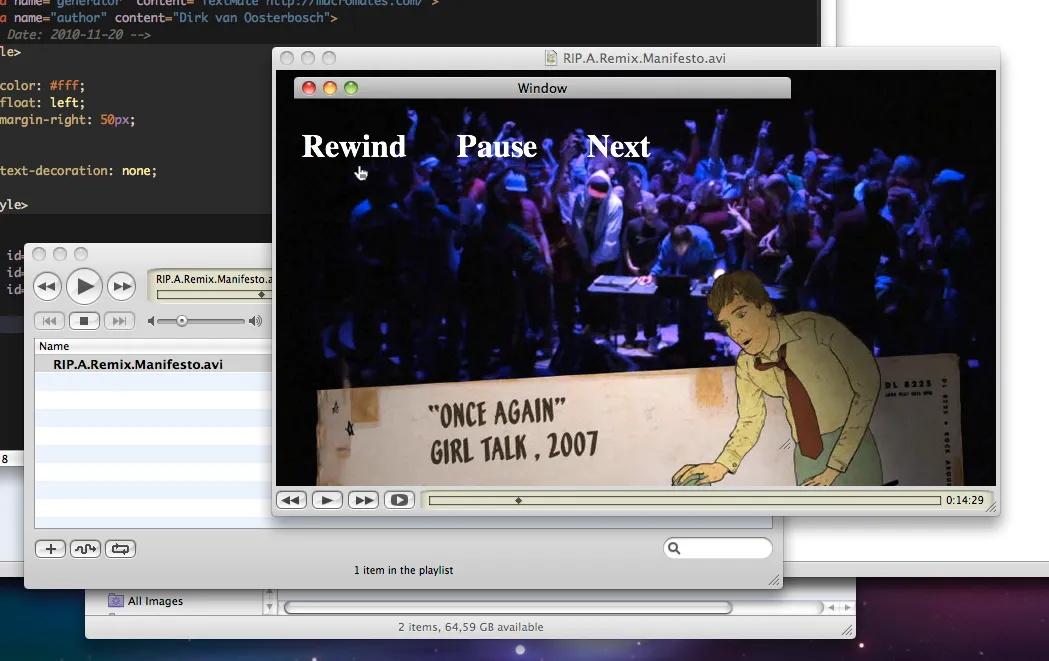
The TransparentWebView is a web browser application for Mac OS X with a transparent background. Having a see-through window with content that can be manipulated like that of a webpage, can be very useful in quickly ‘hacking’ together a working prototype, and makes it possible to combine the functionality of multiple applications. This was e.g. used in the Write on Wall installation.
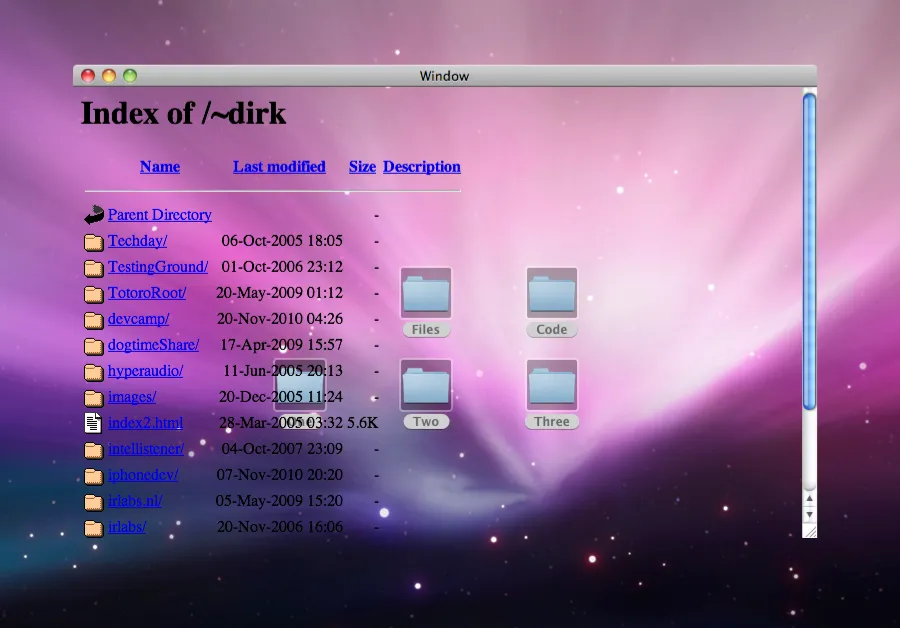
A transparent Web Browser means that if the visited web page has no background color itself, or the background color is also set to transparent, the complete browser window will be see-through.
Custom Overlay UI Everywhere
This could be useful for special tricks. You can place a transparent screen-filling window on top of any other application window, to send special messages to the screen through a web server, or add Web UI elements (build with JavaScript) to any other application or quick prototyped installation.
A transparent browser window
The window of the TransparentWebView does not have a border or a shadow and will always stay on top of other windows. It just has a title bar, so you can move the window around, and it has a resize handle (the little widget with the slanted ‘grip’ lines, located totally at the bottom right of almost every Mac OS X window), so you can resize the window.
Borderless
The window can also be set up borderless, so not even the title bar and the resize widget are visible. Because you cannot move a window without its title bar, there is a useful function to toggle between a window with title bar and resize widget and a total borderless window. And because you might also want the window so big that also the space of the title bar is used (for instance if you want a full screen window starting at the top of the screen), there is a function to have the top of the content being cropped off by the title bar … if you then hide the title bar, all of the content area is visible, without jumping.
Controls
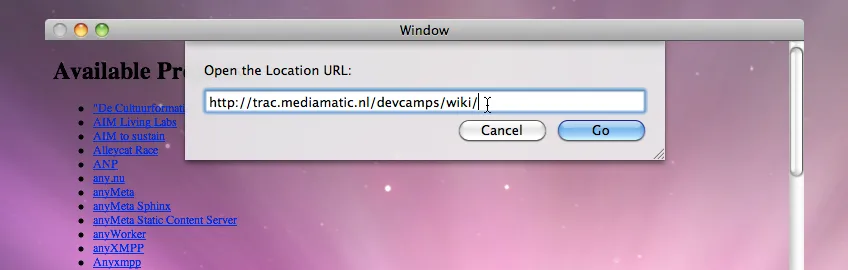
The TransparentWebView app has a very limited set of UI elements, just enough to point it to the location you need, to reload the browser and to position the window the way you like:
⌘ R: Reloads the page⌘ L: Shows a sheet to enter any url location⌘ Esc: Show the window borderless, i.e. also without a title bar.⌘ ⌥ /: Crops the top of the content under the titlebar.⌘ ,: Shows the Preference window to set a reload interval
Window size, window position and URL location are automatically saved into a preferences file, so they will be the same the next time you open the app.
Automatic Reload
Through the preferences window you can specify an automatic reload interval. Set this if you want the TransparentWebView to automatically reload its content every so many minutes. Press ⌘ , to see this Preferences Window.